📥 Installation Guide
Requires Android 11 or newer
Debloater needs Shizuku, which is started with wireless debugging. Wireless debugging is only available on Android 11 and above, so Android 10 and below are not supported.
1. Download the app
Search for Debloater on Google Play and install it.
2. Download Shizuku
Download Shizuku from Google Play.
3. Activate Shizuku
tip
To turn on Developer options on your device, search Google for how to turn on Developer options for your device brand.
- Follow the official Shizuku wireless debugging activation tutorial.
4. Grant permissions
On first launch, Debloater asks for permission to access Shizuku. Allow it.
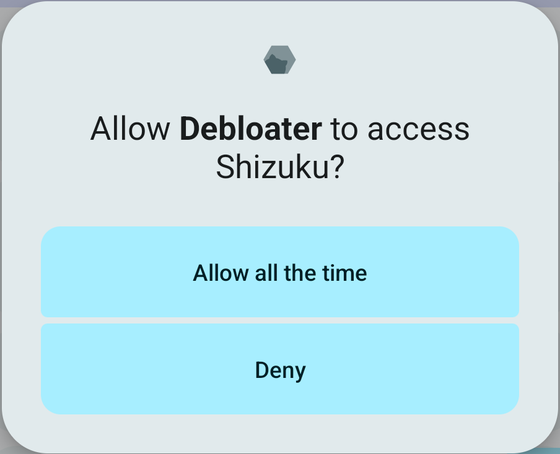
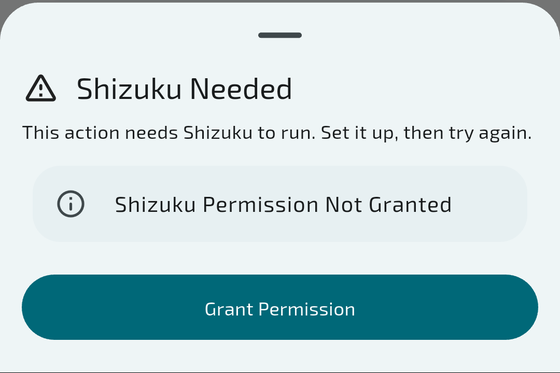
If you try to remove something before Shizuku is running or permitted, Debloater shows a Shizuku Needed sheet instead. Start Shizuku, then tap Grant Permission.
You're ready to remove bloatware! 🎉